BY Simmi Kava
JavaScript: Trailing (Final) Commas - Facts
Did you know the following JS Trailing Comma Facts ?
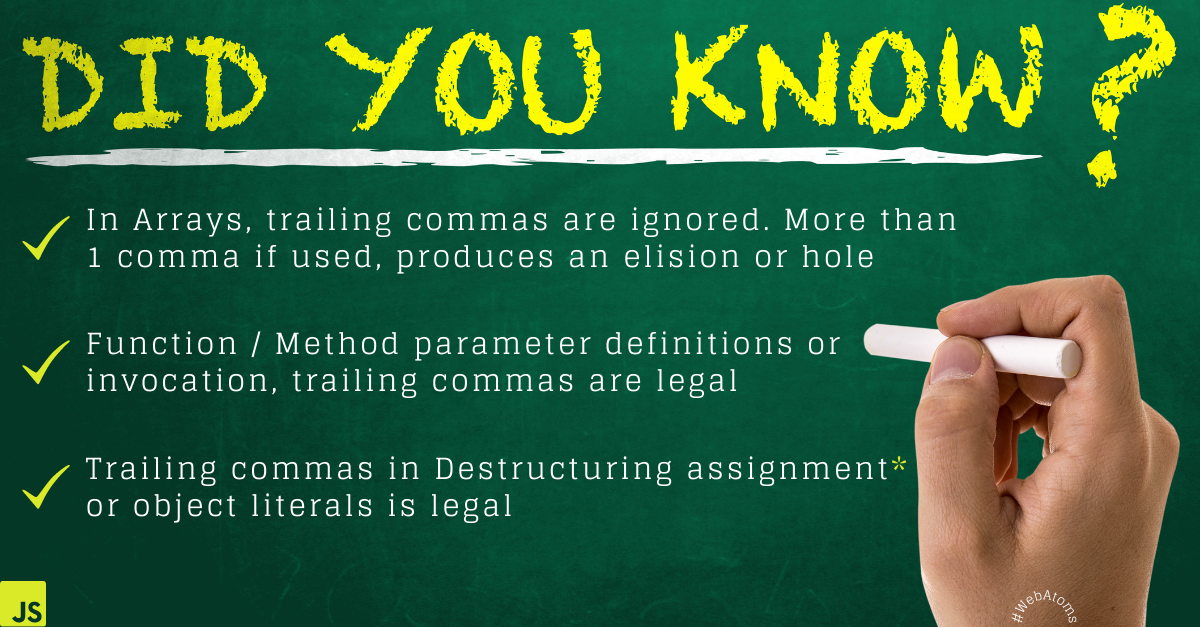
- In Arrays, trailing commas are ignored. More than 1 comma if used, produces an elision or hole
var array = [10,20,30,];
console.log(array); //[10,20,30]
console.log(array.length) //3
But if,
var array = [10,20,30,,,,];
console.log(array); //[10,20,30,,,] -> empty * 3
console.log(array.length) //6
An array with holes is called as sparse array. When iterating array (using forEach() or map()), holes are skipped
- Function / Method parameter definitions or invocation, trailing commas are legal
function funWithJS(arg) {}
function funWithJS(arg,) {}
Or,
(arg) => {}
(arg,) => {}
are valid function calls.
Similarly,
class Shape{
circleArea(radius,) {return 3.14 * radius}
rectangleArea(length,width,){return length * width}
} var obj = new Shape();

console.log(obj.circleArea(5)); // 15.700000000000001
console.log(obj.rectangleArea(5,10)); //50
When invoked with trailing comma, also yields the same result.
console.log(obj.circleArea(5,)); // 15.700000000000001
console.log(obj.rectangleArea(5,10,)); //50
Note: - Function or Method invocation or definition containing only a comma wil throw a SyntaxError.
- Trailing commas in Destructuring assignment* or object literals is legal
var user = {
name: "WebAtoms",
type: "Framework",
};
A trailing comma is allowed on the left-hand side when using destructuring assignment.
// array destructuring with trailing comma
[i, j,] = [10, 20];

// object destructuring with trailing comma
var user = {
  id: 100,
  active: true,
};
var {id, active,} = user;
Note: - Trailing comma when used with a rest element, will give a SyntaxError. Also, JSON doesn't allow trailing commas.
var [a,...b,] = [1,2,3]; //SyntaxError
Happy Learning!
Show more
BY Simmi Kava
 |  |  |  |
| Like | Comment | Save | Share |
/api/attachments/att/4/linkedin-null-nan-1200-628.png/linkedin-null-nan-1200-628.100.jpg)
/api/attachments/att/249/webP.gif/webP.100.jpg)
ARCHIVES
2026
2025
2024
2023